
Latest Posts
What Overclocking Means on a PC, An Easy Explanation
Think of overclocking as lifting a speed limiter. A bit more pace, if temps allow. Learn where it helps in games and renders, plus simple...
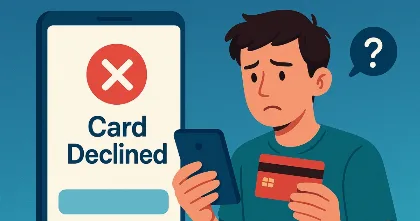
Stripe Card Payment Declined: How to Fix It
I hit the Stripe card declined wall even with funds in my account, including a late night Steam purchase. This guide shows what I do...
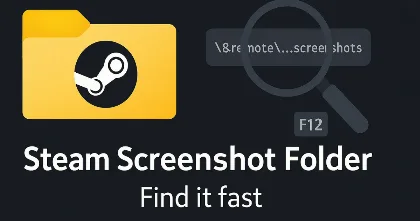
Where to Find Your Steam Screenshots (Folder Location Guide)
Lost your Steam screenshots? Here is the exact folder path, how to jump there with Show on Disk, how to change the hotkey, and quick...
Discord Opens to Black Screen Only? Here’s the Fix
Discord stuck on a black screen with no login page? Here’s a simple fix using Task Manager and %appdata% to clear the cache.
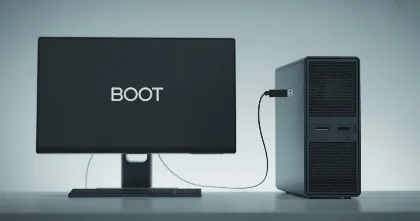
USB Install Won’t Boot? Fix BIOS & Boot Settings
Your PC skips the USB and won’t load Windows? Don’t worry. It’s often BIOS settings, boot mode, or how the installer was made. This guide...
Why Deleting a Social Media Account Is Harder Than You Think
Deleting a social media account is harder than it should be. Here’s how different apps make it complicated and what to know before you quit.
How AI Is Changing SaaS for Everyone
AI is changing SaaS, making tools faster for users while creating tough challenges for developers and companies.
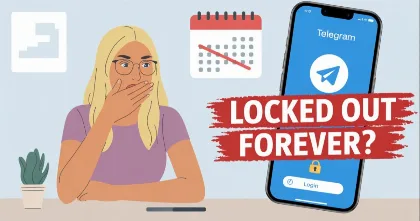
How to Delete Your Telegram Account If You Lost Your Password and Can't Log In
Locked out of Telegram? Check recovery email, signed-in devices and account reset options before relying on automatic deletion.
How to Enable Parallel Downloading in Chrome (Step-by-Step)
Chrome has a hidden setting that speeds up big downloads. It’s called parallel downloading and it actually works.
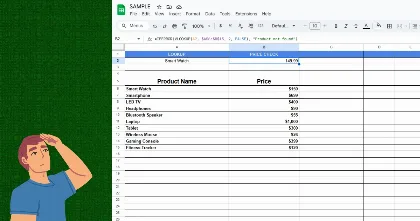
VLOOKUP Google Sheets Explained: What It Does and How to Use It
VLOOKUP in Google Sheets is a powerful formula that lets you match data between tables or columns instantly. Instead of searching manually, use it to...
How to Enable Dark Mode in Chrome – PC & Mobile Guide
Tired of bright white screens? Learn how to enable dark mode in Chrome on PC and mobile with simple steps. Extensions included for even more...
How to Scan QR Codes from Screenshots on Your Phone
Ever saved a QR code screenshot and wondered how to scan it without another device? Here’s how to use Google Lens or iPhone’s Visual Lookup...