
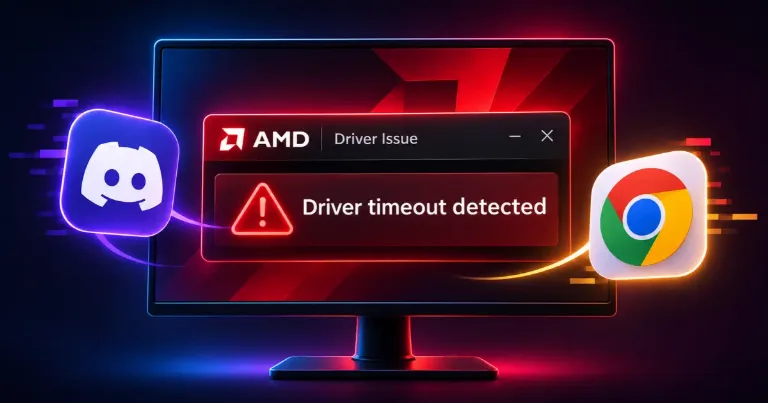

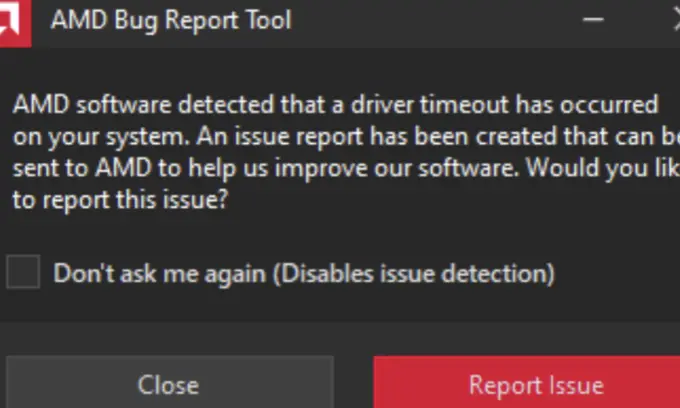
Discord or Chrome suddenly freezes, your screen goes black for a moment, and the AMD Bug Report Tool says a driver timeout has occurred. Strangely enough, your games might still run without any problems.
If this keeps happening when opening applications or playing videos, there are a few settings worth checking, starting with your graphics driver.
Start With AMD's Driver Update
On October 30, 2026, AMD released Adrenalin Edition 26.10.2, which fixed an intermittent driver timeout during video playback on Windows 11 systems using Radeon RX 7000-series graphics cards with Hardware-Accelerated GPU Scheduling (HAGS) enabled.
If your PC matches those conditions, check for an update through AMD's official driver page. Install the latest compatible version, restart your computer, and see if the crashes return.
Other Radeon graphics cards can experience driver timeouts too, but this particular fix doesn't cover every model or cause.
What If the Driver Timeout Still Happens?
If updating hasn't helped, try these settings one at a time.
1. Disable hardware acceleration in the affected app.
For Discord, open User Settings > Advanced and turn off Hardware Acceleration.
For Chrome, enter chrome://settings/system in the address bar, turn off Use graphics acceleration when available, and relaunch the browser.
This can prevent crashes related to GPU-accelerated content, although some video and graphics tasks may perform differently with the setting disabled.
2. Try disabling Hardware-Accelerated GPU Scheduling (HAGS).
On Windows 11, go to Settings > System > Display > Graphics. Open the default graphics settings if needed, turn off Hardware-accelerated GPU scheduling, and restart your PC.
This option only appears on supported systems.
3. Consider disabling Multiplane Overlay (MPO).
MPO is a Windows feature that controls how graphics layers appear on your display. Disabling it has helped with some AMD driver timeout cases, even when application hardware acceleration remains enabled.
However, it requires a Windows Registry change and isn't a guaranteed fix. If the previous steps didn't work, NVIDIA's official MPO instructions explain how to disable and restore the Windows feature. Create a restore point first and reverse the change if it doesn't help.
Also, checking "Don't ask me again" in the AMD Bug Report Tool only hides the warning. It won't stop the crashes.
If Discord simply opens to a black screen without an AMD driver timeout, that's a different issue. Our Discord black screen fix covers what to try when the application itself won't load.