
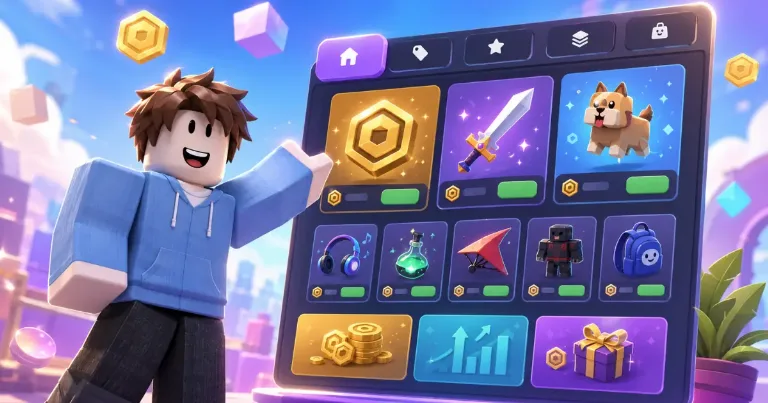

Roblox Shop opens to players on July 7, 2026, and creators should check the setup before the automatic version goes in front of everyone. Shop can show passes, eligible developer products, and Roblox-controlled Robux packages that include one or more of your items.
The helpful part is that you do not need to build a store from scratch. The part to watch is that Roblox can use suggested categories and listing settings if you leave it alone.
Check the automatic setup before players buy
Shop is managed from Creator Hub > Monetization > Shop. The Roblox Creator Hub Shop docs say creators can preview and manage the store before players see it, including the item catalog, categories, and visibility.
The Shop that players see can be personalized. One player may see different Top Picks or category order than another player, because Roblox uses platform signals and game-specific signals to decide what looks most relevant.
That is why the preview is not only a design check. It is also a clarity check. If an item name only makes sense inside your custom UI, it may look confusing when Roblox shows it in a general store view.
Fix listings, categories, and receipts first
The main rule is simple: passes and developer products do not behave the same way in Shop.
- Passes: Roblox says passes are always listed in Shop and cannot be unlisted.
- Developer products: Eligible developer products can be listed or unlisted.
- Unlisted developer products: These can still be bought through your own in-game purchase flow.
- Categories: You can rename categories, create new ones, and move items so the store does not feel random.
- Receipts: If you sell developer products, make sure
ProcessReceiptis set up properly so purchases from Shop and other Roblox surfaces give players the right item.
Do not read the Robux package part as a manual bundle builder. Roblox can surface Robux packages that include one or more of your items, but creators should check the Shop setup instead of assuming they control every package shown there.
If you are still deciding which items should be passes, developer products, or other monetization pieces, my Roblox money guide is the better background read.
You can keep your custom shop, but test both paths
This update does not mean every creator should remove their custom shop UI. If your game uses a special shop for gifting, timed offers, story progress, or limited items, your own UI may still be the better place for that experience.
The safer move is to treat Roblox Shop as an extra discovery surface. If an eligible developer product should only be bought through a special flow, check whether it should be unlisted from Shop. That does not apply to passes, because passes are always listed.
The global Shop button is another choice. Shop appears in the in-game menu by default, while the global Shop button is off by default. If you enable it, players get a more visible Shop entry point near the upper-left area of the screen.
Before leaving the setup alone, test the buyer path in Studio. Open the Shop preview, check the names and categories, then make sure purchases still give players what they paid for. A store that is easier to find only helps if the items inside are clear and the purchase flow works.