

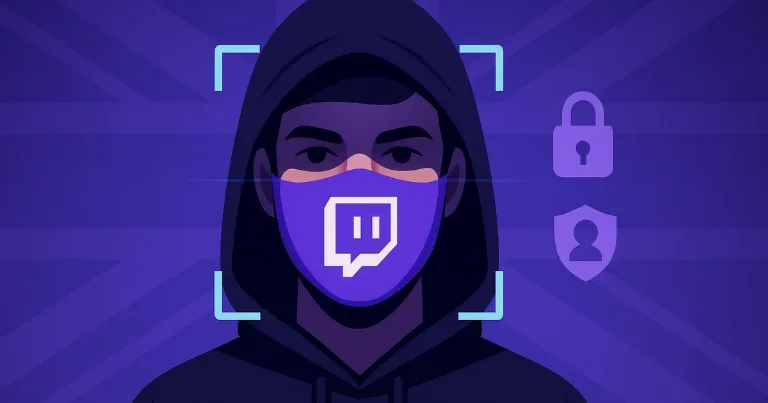

Twitch introduced age verification for UK viewers accessing certain mature streams and VODs. Some accounts receive a video-selfie prompt before viewing that content. The requirement affects how viewers enter those streams and how creators label them.
What Changed for UK Viewers
Twitch requires eligible UK viewers to verify their age before accessing content covered by its mature-content rules. Skipping verification leaves that content unavailable.
How the Face Scan Works on Twitch
A prompt in the app or browser asks to verify age using a short video selfie. According to k-ID's Twitch verification guidance, the age estimate is processed on the device; the video does not leave it and is not stored. Viewers who believe the result is wrong can contact Twitch Support to appeal and may be asked for supporting documentation.
The Catch for Viewers and Creators
The verification requirement applies to the covered content. Relevant labels include Mature-rated Games, Sexual Themes, Drugs, Intoxication or Excessive Tobacco Use, Violent and Graphic Depictions, and Gambling. For creators, accurate labels help viewers understand why a stream requires an age check.
What To Do Right Now
-
Verify only through the official app or site, not through links in chat or whispers.
-
Complete the check if access to covered mature streams and VODs matters to you.
-
If you prefer not to scan, stick to content that does not require verification.
-
Creators, review your Content Classification Labels, add a short panel or pinned message explaining the prompt, and update chat commands so UK viewers know what to expect.
For viewers worried about repeating the scan before every stream, Twitch's age-verification FAQ says the check is completed once per account. The scan normally takes up to a minute; an appeal requiring manual review can take longer, and Twitch gives no fixed deadline for that review. UK viewers under 18 can still use Twitch, but the restricted content remains unavailable to them.